A Salesforce system only helps your nonprofit if your team uses it. Too many small organizations end up with a CRM that one person understands, that staff work around, and that leadership does not trust for reporting.
That is rarely a technology problem. It comes from systems designed for an enterprise IT department and handed to a team of a few people with limited admin time. This post covers why nonprofit CRMs go unused, what a system your team can actually run looks like, and how we have built them for nonprofits like yours.
Why nonprofit CRMs go unused
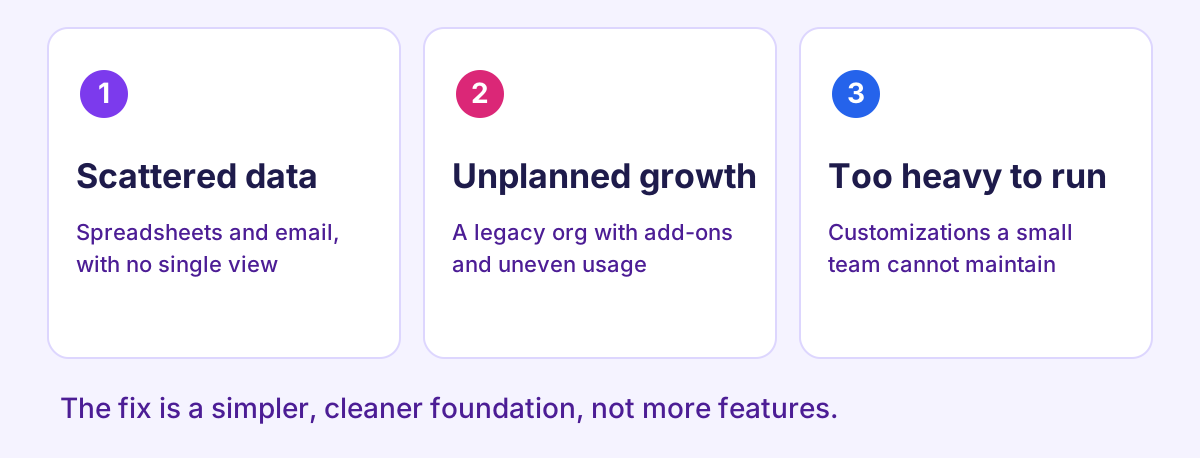
We see the same three patterns when we start a new engagement:
- Relationships live in too many places. One organization we worked with tracked more than 2,000 donors, farmers, and project partners by hand across Google Sheets, Mailchimp, and Gmail. No one could see the whole picture.
- The legacy system grew without a plan. Another had an underutilized Salesforce org with many third-party dependencies, inconsistent usage, and limited visibility into its own processes.
- The system outgrew the team. Programs need intake, eligibility review, document collection, and reporting, but the team has limited administrative capacity to maintain heavy customizations.
In each case, the answer was a simpler, cleaner foundation, not more features.
What a CRM your team can run looks like
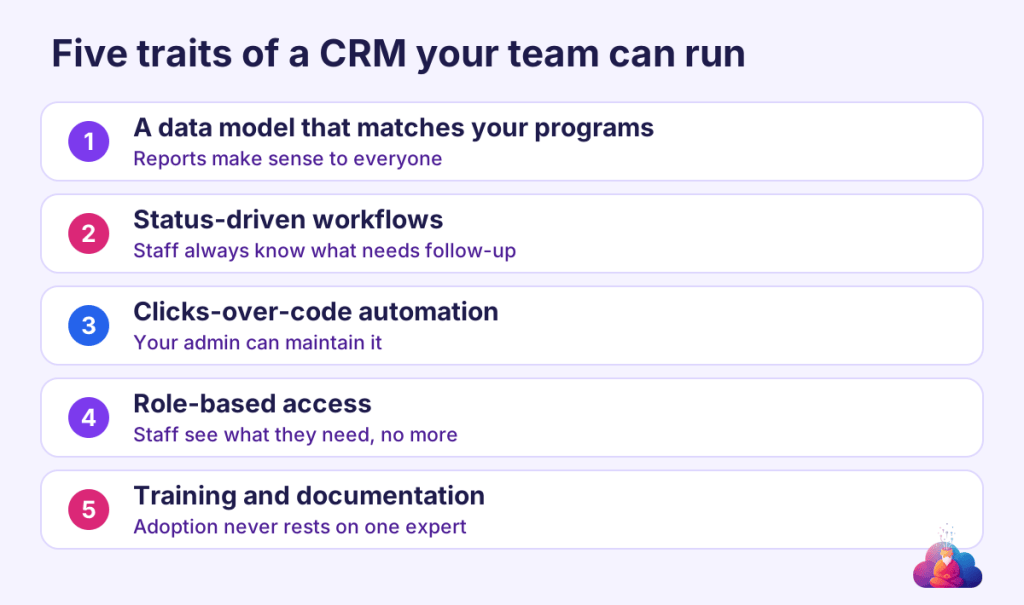
A system your team can run is built around how your staff already work. Five traits show up in every successful project:
- A data model that matches your programs. Donors, participants, applications, properties, or loans are modeled the way you talk about them, so reports make sense to everyone.
- Status-driven workflows. Every application or case moves through clear stages, so staff always know what needs follow-up and leadership can see progress.
- Clicks-over-code automation. Where possible, automation is built with Salesforce’s point-and-click tools, so your admin can maintain it without a developer.
- Role-based access. Staff see what they need and nothing more, which protects sensitive donor and participant data.
- Training, documentation, and a go-live plan. User acceptance testing, live training, and written guides mean adoption does not depend on one expert.
What this looks like in practice
- Freedmen Heirs Foundation moved more than 2,000 relationships out of spreadsheets into one Nonprofit Cloud CRM, with WordPress and Mailchimp connected, plus live training and full documentation. The result was a centralized CRM adopted by the core team.
- Graduate Philadelphia migrated from a fragmented legacy org to a clean Nonprofit Cloud foundation, with a structured data model, status-driven workflows, UAT guidance, and training materials.
- East Buffalo Development Corporation runs its Vacant Rental Program on a structured model with WordPress application intake, role-based access, and UAT governance, giving leadership consistent visibility into applications and reviews.
- Small Things Enterprises has an intake-to-repayment loan program design with a phased clicks-over-code roadmap and audit-ready accounting safeguards, built so a very small team can scale without over-investing upfront.
The sectors differ, but the approach is the same: start with a clean foundation, keep it maintainable, and plan the next phase before the current one ends.
How We work
CloudSage Consultancy Inc. is a Salesforce Partner and Pledge 1% member that gives small nonprofits senior-level expertise without the enterprise overhead. We focus on business process design first, then build for long-term maintainability, with documentation and training that put your administrator in control.
Once the foundation is solid, we keep it improving through automation, integrations, and practical AI, on a timeline that fits your capacity.
Next step
Not sure whether your CRM is helping or holding you back? Book a free consulting call and we will walk through where your team spends time today and what a simpler foundation would look like.


Leave a Reply